
May 16, 2026
How to Reduce Restaurant Voids Without Slowing Service
Learn how to reduce restaurant voids with better POS controls, clear definitions, manager approvals, and shift review habits without hurting service speed.
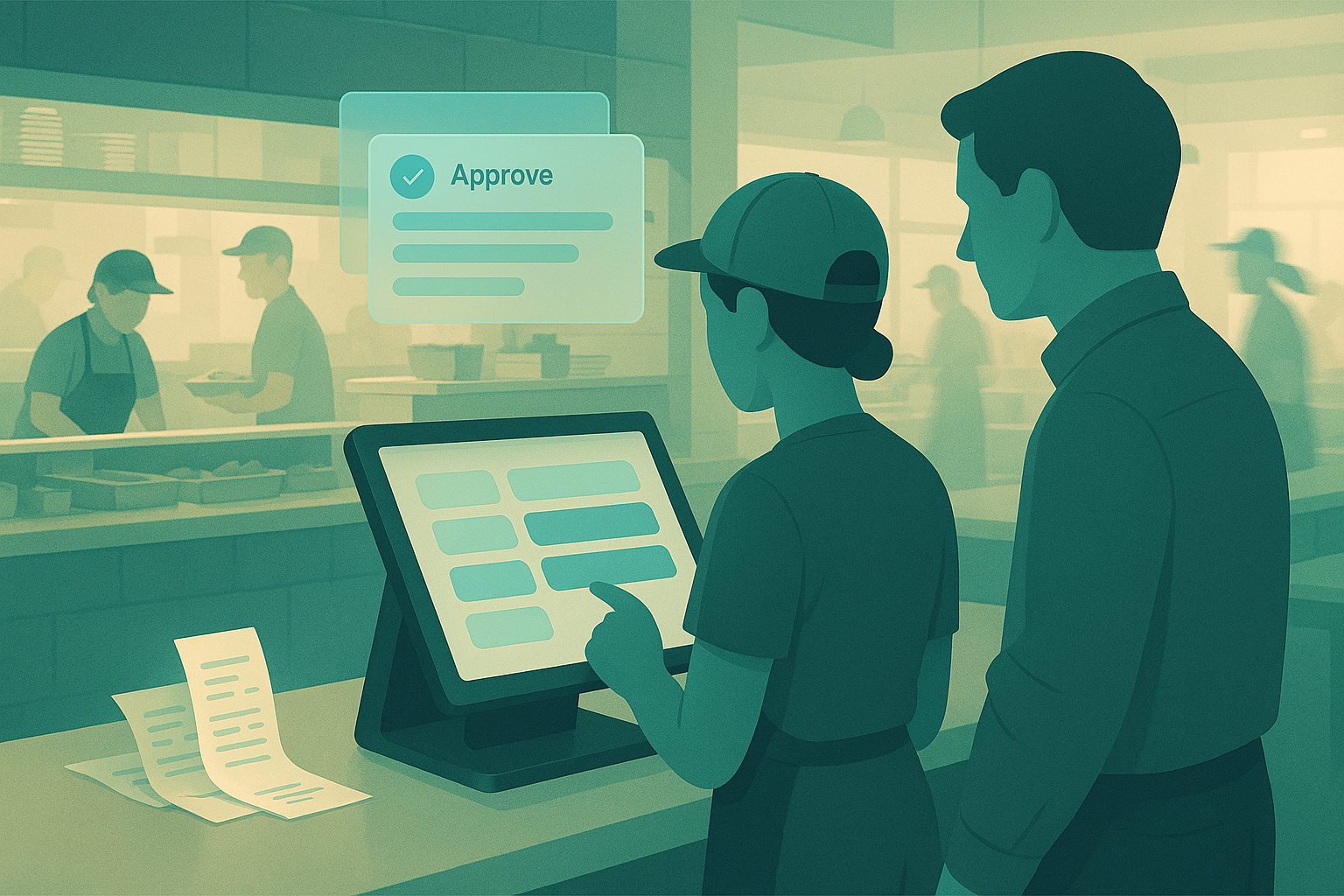
Void rates above 1–2% deserve review. On a unit doing $2.2M in annual sales, a 0.7-point reduction in restaurant voids is $15,400 in cleaner sales records alone, before you count better inventory accuracy and fewer shrink events. Operators usually see the problem in fragments: a cashier with too many deletes, a shift with unusual cash variance, a PMIX report that does not match usage.
Why high restaurant voids matter operationally
Restaurant voids are not a bookkeeping nuisance. They alter the base data you use to run the store. If an item is rung, produced, then voided, usage can remain while revenue disappears. That gap distorts PMIX, food cost, labor deployment, and promo analysis.
High void rates also hide operational problems. Repeated voids on one combo meal can point to bad button layout. A cluster of post-production voids during one daypart can signal expo communication issues. A cashier with elevated voids and cash shortages may indicate employee theft restaurant voids risk. Without clean classification, you cannot tell the difference.
Trust in reporting degrades fast. Managers stop believing item mix. Owners question inventory variance. Shift leads spend time arguing over incidents instead of fixing them. The cost is not limited to the voided check. The cost is lower confidence in every downstream metric.
What you need before you try to reduce restaurant comps and voids
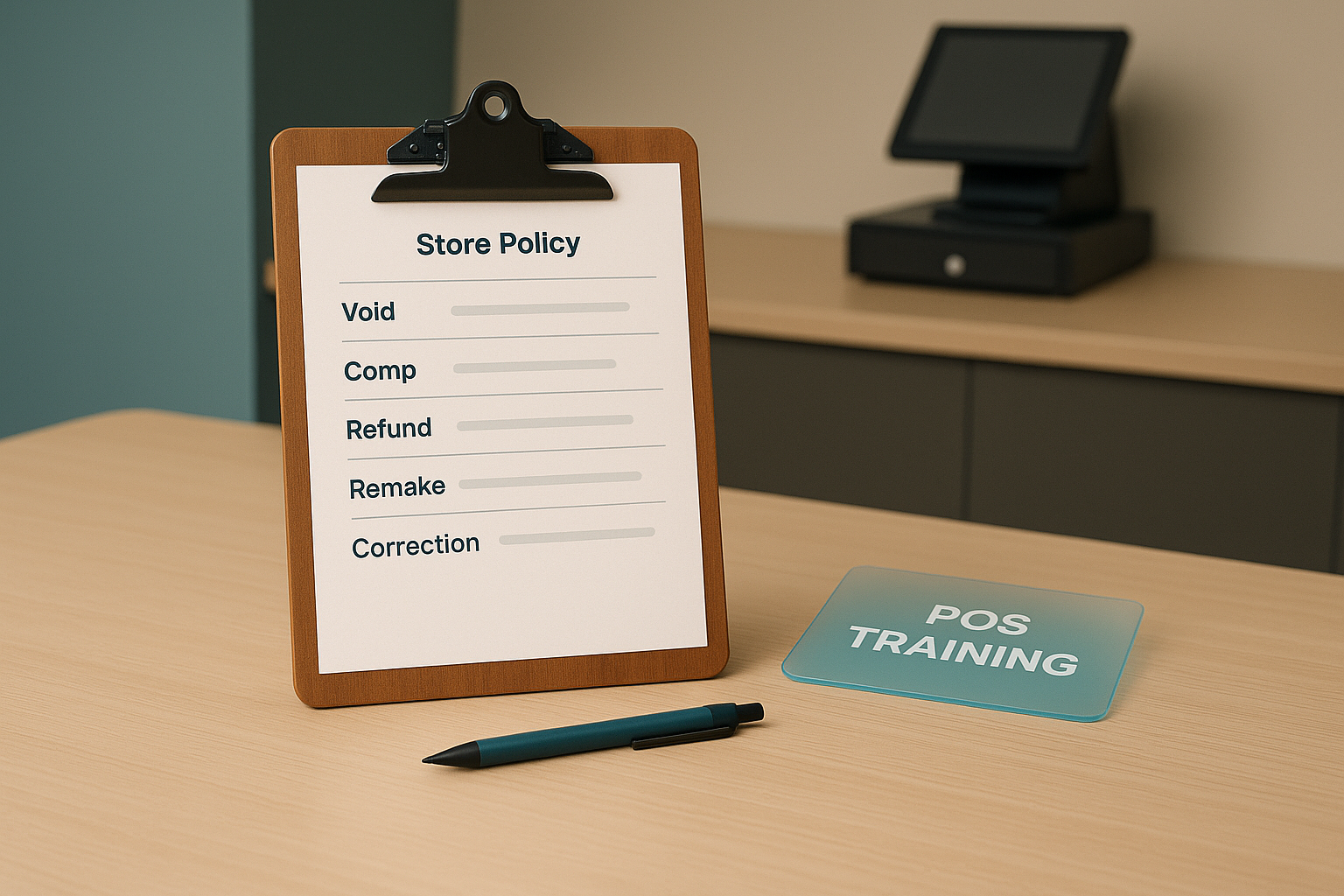 Clear definitions are the foundation of accurate void reporting.
A void-reduction program works when definitions, permissions, and review habits are consistent. Most stores need six basics in place.
1. Clear transaction definitions
Document what counts as a void, comp, refund, remake, and order correction. This is the first step in answering what are voids in restaurants for your team. A void should mean the sale is canceled before settlement according to your policy. A comp should mean the guest keeps the item and revenue is intentionally reduced with a recorded reason. A refund should follow payment reversal rules. A remake should tie to waste and quality control.
2. POS permission controls
Your restaurant POS void tracking should limit who can void, by transaction stage and dollar threshold. Frontline staff should not have the same permissions as shift managers. Shared codes create blind spots and weaken accountability.
3. Item- and employee-level reporting
You need void reports by cashier or server, item, shift, daypart, order type, and timing. Aggregate totals are too blunt. A 20-void day can be normal in a high-volume QSR lunch period and a serious exception in a smaller evening shift.
4. Manager approval rules
Set approval thresholds for pre-production and post-production voids. Require a reason code and manager confirmation for anything after kitchen fire, after payment, or above a dollar limit you define.
5. Shift review discipline
Review exceptions every shift, not at month close. Most abuse patterns become obvious within 24 hours. Most training mistakes can be corrected in 24 minutes.
6. Defined roles
Owners set policy and exception thresholds. GMs audit patterns across weeks. Shift managers approve and review same-day issues. Cashiers and servers follow the entry standard and document reason codes correctly. If nobody owns the review cadence, the policy becomes wall decor.
Step 1: Define exactly what counts as a void
 Shift-level review catches unusual void patterns before they become routine.
If your team uses “void” to describe every correction, the data is already compromised. Start with a written restaurant void policy that names each adjustment type and gives one example for each.
A practical framework:
- Void: order or item removed before final completion under policy
- Comp: charge reduced or removed while guest still receives the item
- Refund: payment returned after tender or settlement event
- Remake: item re-fired due to quality, timing, or guest issue
- Correction: entry fix before production starts
The critical distinction in a void vs comp restaurant workflow is whether the guest received value and whether production occurred. If fries were made and served, that should not disappear under a generic void code. If a cashier entered two sandwiches instead of one and corrected it before fire, that is a true void or correction depending on your setup.
Write definitions into onboarding and pre-shift materials. Add examples from your menu. “Wrong size beverage before payment” is clearer than a generic policy sentence. Ambiguity creates room for accidental misuse and intentional abuse.
Step 2: Tighten permissions and approval paths
Permissioning is where most void control programs either work or fail. Start with the fewest possible user roles. Then map each role to specific actions.
A common structure:
- Cashiers or servers can correct open tickets before send
- Shift leads can approve low-dollar pre-production voids
- Managers approve post-production voids, check-level voids, and any unusual pattern
- Owners or GMs review overrides and policy exceptions weekly
Time windows matter. A void entered 20 seconds after order entry has a different risk profile than one entered 18 minutes later after food leaves the line. Configure controls around order stage. Before fire, speed matters. After fire, documentation matters.
Require reason codes with enough detail to be useful. “Error” is too broad. Better options include wrong item, duplicate entry, guest changed mind before fire, promo mismatch, training error, wrong modifier, and manager service recovery. Free-text fields can help on high-value checks, but standardized codes make reporting usable.
Avoid blanket manager bottlenecks. If every small correction requires a long approval sequence, staff will find workarounds, service times will climb, and guests will feel it. The goal is a narrow gate for risky voids and a fast path for legitimate corrections.
One rule should be absolute: no shared logins. Shared credentials turn every exception into a dead end. You cannot coach accurately. You cannot investigate fairly. You cannot prove misconduct if it occurs.
Step 3: Track voids by employee, item, shift, and order stage
To learn how to reduce restaurant voids, measure patterns, not just totals. Total count misses context. Rate and concentration tell the real story.
Use at least these cuts:
- By employee: voids per 100 checks, void dollars as a percent of sales, post-production void rate
- By item: repeated voids on specific SKUs, modifiers, combos, or promo bundles
- By shift or daypart: lunch vs dinner, weekday vs weekend, opening vs close
- By order stage: before send, after send, after payment, after production
- By tender mix: cash-heavy transactions often need extra review
- By location or station: drive-thru, counter, bar, kiosk recovery, mobile pickup
Patterns separate training issues from possible fraud. One cashier with high voids on custom beverages may need modifier training. Multiple staff voiding the same family meal after send may indicate a broken combo flow. A single employee with elevated cash sales, elevated voids, and elevated no-sale drawer opens deserves immediate review.
Set exception thresholds that fit your concept. A low-complexity QSR may flag any employee above 1.0% void dollars or 3 voids per 100 checks. A full-service unit with heavy customization may need different limits. Keep the threshold visible and consistent. Managers should know by mid-shift when a pattern crosses the line.
Step 4: Fix the repeat causes behind restaurant voids
Most avoidable voids come from process design. If the same problem shows up three shifts in a row, fix the system before blaming the person.
Common root causes include:
Menu and button design issues
Buttons placed too close together create duplicate taps. Modifier trees with unclear labels drive wrong entries. Combo logic that does not match the actual ordering flow produces correction churn. If one item generates 18% of all voids and only 6% of sales, inspect the screen flow first.
Promo and discount confusion
Teams improvise when promo rules are unclear. That leads to void-reenter behavior, especially during limited-time offers or third-party campaigns. Publish one source of truth for promo eligibility and train to it.
Front- and back-of-house communication gaps
An item sent too early, held too long, or fired against the wrong course can end in a void category even though the source problem is expo timing. Review kitchen production timestamps alongside transaction events. A post-fire void surge during one daypart usually points to line flow, not cashier dishonesty.
Weak shift handoffs
Open tabs, unresolved order changes, and unclear manager coverage all increase exception volume. A two-minute handoff on active issues can prevent a dozen messy adjustments later in the shift.
Undertrained staff
New hires often overuse broad reason codes and make corrections in the wrong transaction category. Give them scenario drills with your actual menu. Five examples during onboarding will prevent weeks of bad data.
A common management mistake is treating all voids as theft. That approach pushes honest staff to hide mistakes. Another mistake is treating every void as harmless. Both responses damage control. You need classification first, then action.
Step 5: Coach staff and review exceptions every shift
Void reduction works best as a shift habit. Pre-shift, remind the team of one accuracy point: modifier order, combo sequence, or promo rule. During service, managers should watch for repeated corrections from the same station. After the shift, review exceptions while events are still fresh.
A practical end-of-shift review takes 10 to 15 minutes:
- Pull voids by employee and check-level detail
- Separate pre-production from post-production events
- Spot any item or promo cluster
- Match unusual voids to manager approvals and reason codes
- Follow up the same day with coaching or escalation
Keep coaching factual. “You had 7 voids on custom salads between 11:30 and 1:00, all tied to dressing modifiers” is useful. “Be more careful” is not. If the issue is process, fix the workflow. If the issue is discipline, document it. If the issue looks intentional, preserve reports, approval logs, and timestamps.
Measure progress with rate-based metrics:
- Void dollars as % of gross sales
- Voids per 100 checks
- Post-production voids per 100 checks
- Employee exception rate vs store average
- Top 10 items by void frequency
- Time from exception to manager review
Reviewing reports too late is one of the most common failures. A monthly packet will show that you had a problem. It will not tell you what happened on Tuesday at 12:40 when the cashier changed three cash orders after pickup.
How Bagel helps
Bagel gives operators one place to manage transaction controls, permissioning, and exception visibility across service workflows. That matters for restaurant POS void tracking because voids are easier to interpret when order stage, user actions, item detail, and shift context live in the same system.
Teams can standardize reason codes, limit who can void and when, review item- and employee-level exceptions, and connect transaction anomalies to service and production activity. The result is cleaner sales data, tighter accountability, and faster action on avoidable errors.
Restaurant void control is basic operating discipline. Clear definitions, narrow permissions, shift-level review, and targeted coaching will lower avoidable voids without adding friction to the line. If you are building a tighter control stack across one unit or many, Bagel is opening early access for operators who want that visibility built into daily operations.
Run your restaurant on Bagel
Join the early access program and shape the operating system built for modern hospitality.
Get early access →